



This website contains age-restricted products. You must be 21 years of age or older to enter.
Additional age verification may be required at purchase or delivery. Privacy policy
 WARNING: This product can expose you to chemicals including nicotine, which is known to the State of California to cause cancer. For more information, go to www.P65Warnings.ca.gov


Take your cartridge clouds to the max when you upgrade with our Exxus Vape STAX 510 Variable Voltage Battery! Designed specifically for heavy use and handling day to day stress with ease, the STAX is here to guarantee you high quality rips anywhere, anytime. To do so we hooked the STAX up with a leveled up 650mAh battery, wide ranging choice of 5 voltage settings (2.4, 2.8, 3.2, 3.6, 4.0v), and an extended 12s pre-heat to boot.

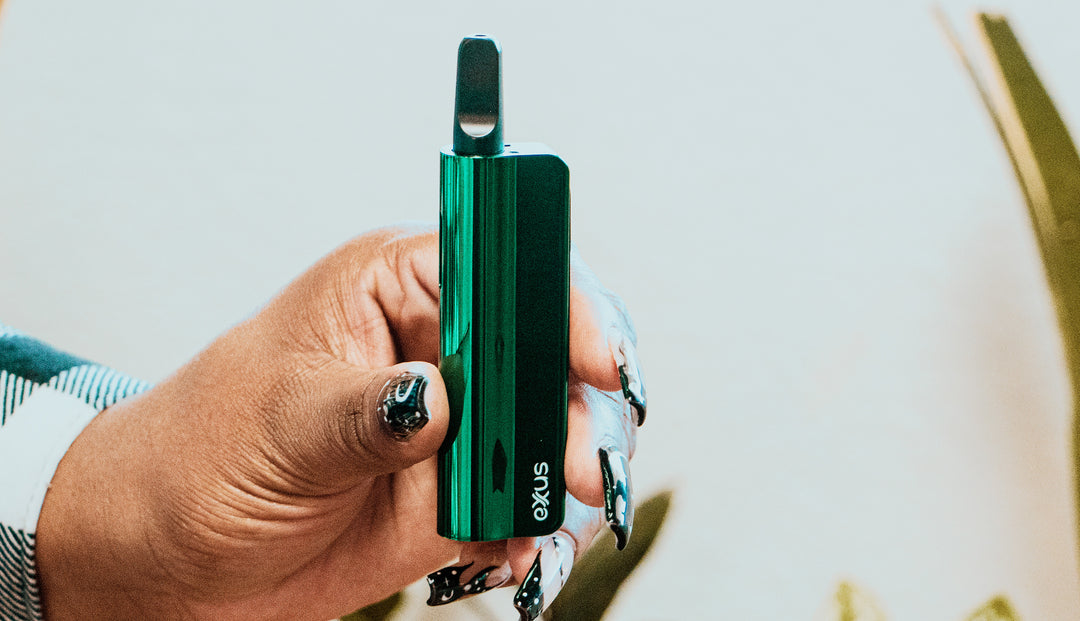
The Exxus Vape STAX doesn’t just hit well, but has a one of a kind cube design complete with a smart dot matrix screen, making these the ultimate homage to the 8-bit games of yesteryear like Tetris and Pac-Man! With easy access session information, fast type-c charging, a dedicated key-loop, and a hardshell body for premium drop resistance, the STAX has all the functional durability required to allow for seamless enjoyment, even on the craziest of adventures.
Take a look at the variety of 6 different gradient colors including orange-black, purple-pink, and more to begin your Exxus Vape STAX 510 Variable Voltage Battery journey today!

Have a STAX in hand and are ready to kick start your cloud adventures? Get the ball rolling by first choosing one of your favorite 510 threaded cartridges to attach. Thanks to the Exxus Vape STAX’s universal compatibility, you can use any sized cartridge!
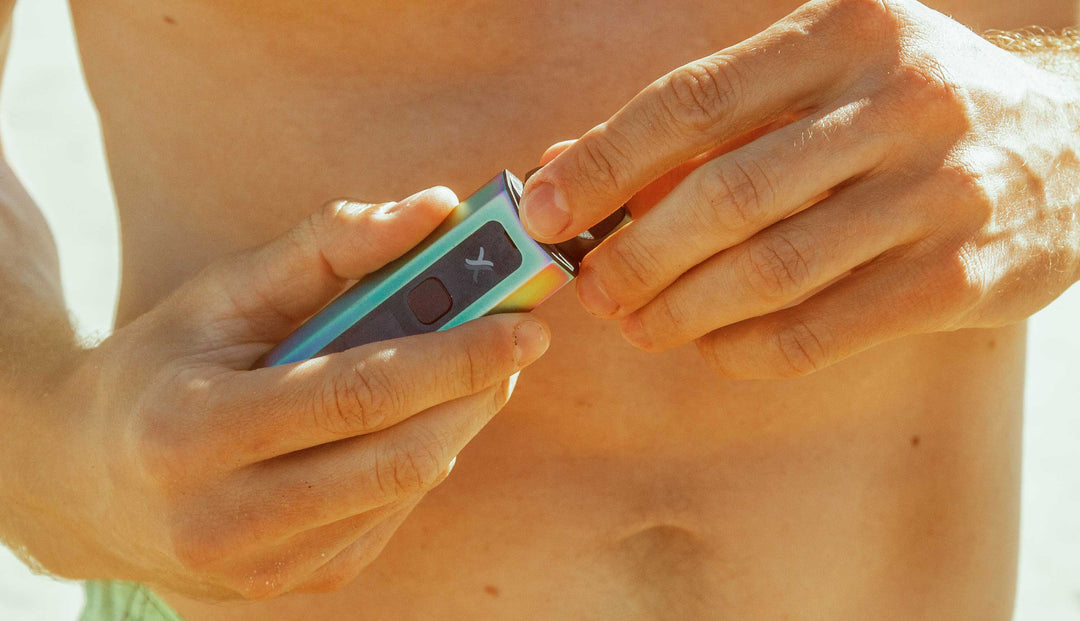
To load your STAX, gently twist your cartridge into the threads of the device's 510 connection until the two pieces are flush. Always make sure the connection is complete before proceeding with your session.


With your STAX locked and loaded - now’s the time to power on your device by pressing the square power button 5x in a row. When input correctly, your STAX grid screen will play a brief animation letting you know it’s time for clouds!
To use your STAX hold down the power button and draw from the mouthpiece of your cartridge, this will activate your battery and provide you a stream of luscious on demand vapor. When done, simply release the button and your STAX will go back to standby mode.
After you and your friends have finished up for the time being, all you have to do is press the power button 5x once more and your device will power off, showing you a shut down animation to let you know it’s all good for storage.

The STAX comes with a variety of 5 different voltage settings - 2.4v, 2,8v, 3.2v, 3.6v, 4.0v - allowing you to experience a wide range of heating capabilities all the way from cool cloud chilling to fiery top temperature rips.
To change the voltage levels on the STAX press the square power button 3x in a row, this will bump you to the next setting inline, before resetting after 4.0v. Simply keep pressing the power button 3x in a row until you’ve reached your desired voltage and proceed to enjoy your cartridge.
Looking to really take your STAX to the max? Activate the STAX pre-heat mode by pressing the square power button 2x in a row. This will begin a 12s pre-heat where your cartridge will be slowly warmed, preparing you for a super sized cloud with ultimate potency.
When the 12s countdown completes, you can take your STAX and use it as normal by pressing the power button and drawing from the mouthpiece - but with the added benefit of the pre-heat allowing for a far more fiery cloud.
The STAX is easily charged via type-c cable. While plugged in, your battery icon flashes to let you know it’s still charging. When your STAX battery is fully charged, the battery icon lights up for 10s and then switches off.

For the smoothest sessions and ease of use, there are several troubleshooting warnings built into your STAX to let you know when something is amiss. Take a look below to learn what your STAX is trying to tell you and what it means for your device.

To keep your clouds rolling at 100% we recommend cleaning your STAX periodically to stay on top of basic maintenance. First, make sure to power off your STAX before proceeding with any cleaning activities, as you never want the battery on while working with liquids.
Next remove your cartridge from the STAX and place it somewhere safe. We recommend placing it on a towel or cloth, as the round nature of cartridges can lead to them rolling off of surfaces, if not watched carefully.
From here you can use a cloth or damp cleaning wipe to clean the exterior of your STAX and wipe down any grime around buttons. Next take a q-tip or swab dampened with isopropyl alcohol to gently clean the 510 thread connection on your STAX and make sure it's completely clean.
Once finished, always leave ample time for your STAX to dry and never being using it while any moisture is present on the device.
What’s Included: